

How we work
Request to delivery
on one line.
Six steps, not six separate office jobs. The same coordination language from cargo information to operation close.
Operation line
The mode changes.
The language does not.
Road, sea, air or warehouse legs look different; the coordination language stays the same. What happens, what information is needed, what VELTRON manages and what the client sees — step by step below.

01
REQ
Request & Cargo Information
What happens
The operation starts by understanding what the cargo is. Volume, weight, packaging, destination and delivery window are read in one language before a plan is built.
The request is not filling in a form; it is defining the operational identity of the shipment. Missing information becomes visible here — not on the road.

Information needed
- Cargo type, dimensions and weight
- Origin and destination
- Required delivery window or cut-off date
- Customs, temperature or special transport requirements
VELTRON manages
- Clarifies missing fields in operational language
- Reads the need before suggesting a transport model
- Locks the request into an operations file
Client sees / reviews
- Shares cargo and route summary
- States the time window and priority
- Answers operations team questions in the same language
02
PLN
Route & Transport Plan
What happens
Mode, cost, time and risk are read at the same table. The fastest label is not chosen; the route fits the shipment need.
Road, sea, air, intermodal or warehouse legs are not sold as separate catalogues. The plan is written under one route identity.

Information needed
- Volume and cost sensitivity
- Border, port or terminal requirements
- Transfer points and time windows
- Alternative mode and route constraints
VELTRON manages
- Chooses the transport model from the operation
- Locks route, transfer and delivery steps in one plan
- Re-reads the route when the plan changes
Client sees / reviews
- Reviews the planned route and mode
- Confirms time windows and transfer points
- Evaluates alternative scenarios in the same language
03
BK
Booking & Operation Preparation
What happens
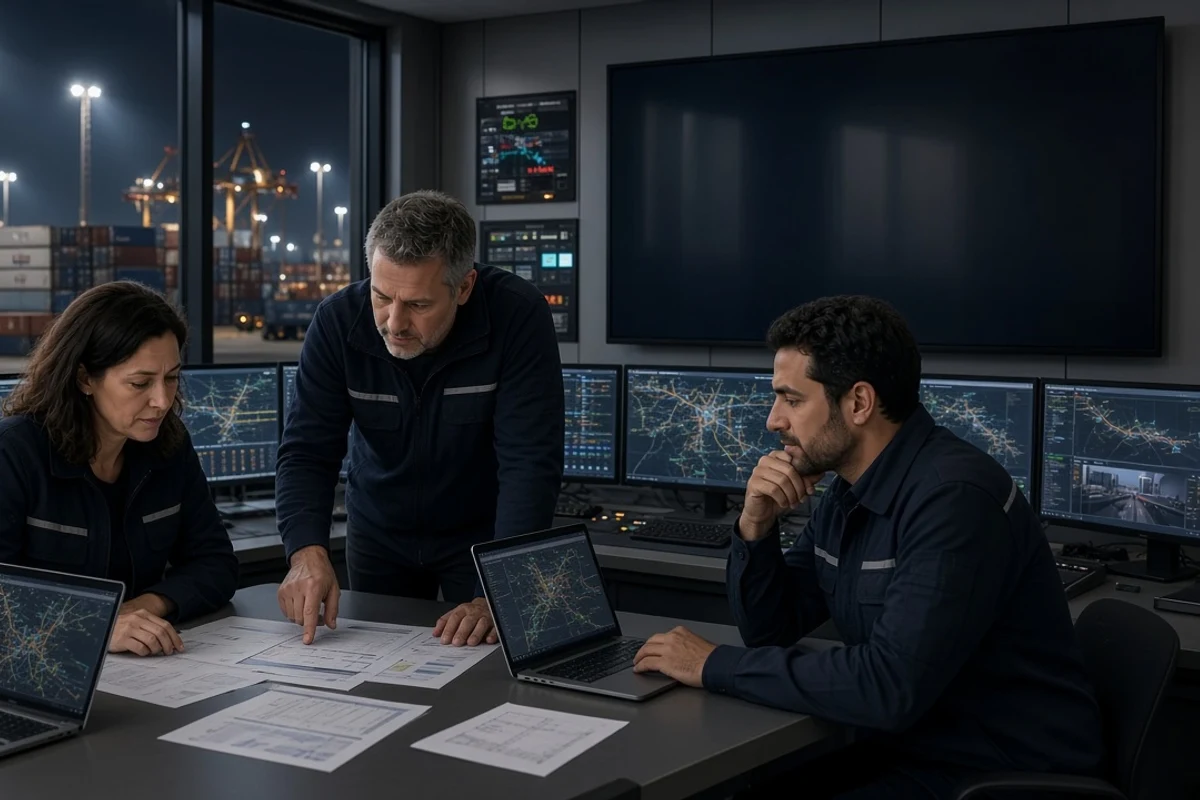
Carrier, port, terminal or warehouse booking synchronises with the plan. Documents, customs and operation prep lock before loading.
Booking is not a separate procurement job; it continues the route. Capacity, cut-off date and slot stay on one calendar.
Information needed
- Confirmed route and mode
- Customs and document requirements
- Loading address and dock window
- Carrier or shipping line preferences
VELTRON manages
- Synchronises bookings with the plan
- Manages document and customs preparation
- Updates the operations calendar
Client sees / reviews
- Sees booking confirmation and cut-off date
- Reviews document list and submission deadlines
- Ties the loading window to the operations calendar
04
LOD
Loading
What happens
Equipment, stowage and safety checks are verified on site. Loading is when the plan reaches the field — paperwork does not try to catch up.
Pallet identity, seal and cargo photo at the dock enter the record as part of the route. Loading is not a disconnected step.

Information needed
- Loading address and dock access
- Packaging and stowage instructions
- Equipment requirements (trailer, container type)
- Safety and insurance information
VELTRON manages
- Coordinates loading window with carrier and site
- Verifies equipment and stowage compliance
- Records loading confirmation in the operations file
Client sees / reviews
- Sees loading time and dock status
- Receives cargo photo and seal information
- Is informed in the same language if the plan shifts
05
TRN
Transit & Coordination
What happens
Road, sea or air lanes move under one coordination layer. Visibility lives with whoever decides at the transfer — a location ping is not enough.
When the mode changes, the language does not. Ports, terminals and border crossings are not left as disconnected steps.

Information needed
- Transport mode and transfer points
- Arrival estimate and updates
- Exception and delay scenarios
- Receiver or warehouse readiness
VELTRON manages
- Coordinates carrier, customs and terminal teams
- Updates the plan at transfer
- Brings exceptions to the table before the break
Client sees / reviews
- Sees which step the shipment is on
- Receives transfer and arrival updates
- Is informed before decisions in exception cases
06
DLV
Delivery & Operation Close
What happens
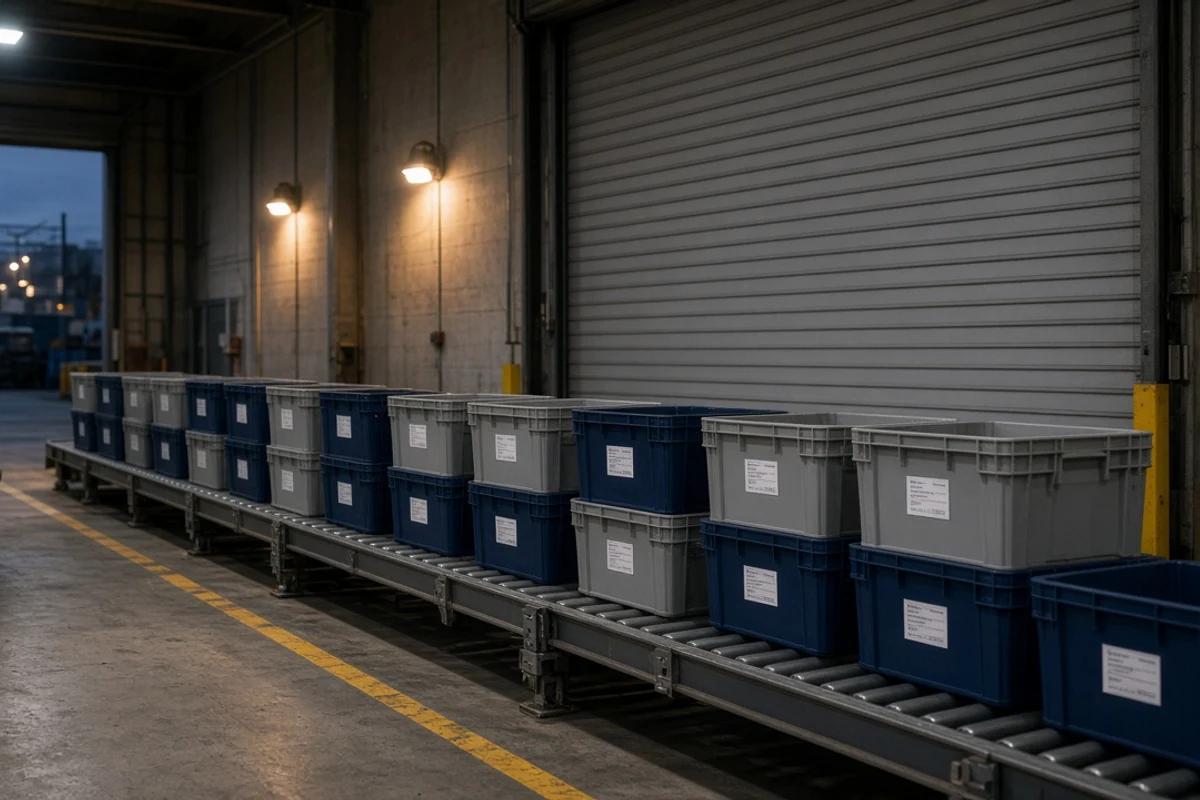
Last mile, receiver window and confirmation close under the same control. Delivery is not the end of the route; it is the operation close step.
POD, exception note and operation summary stay in the same file. The next shipment starts in the same language.
Information needed
- Receiver address and delivery window
- Acceptance procedure at the dock
- Proof-of-delivery format
- Damage or exception reporting requirements
VELTRON manages
- Ties last-mile delivery to the plan
- Records POD and operation close
- Archives the operations file
Client sees / reviews
- Receives delivery confirmation and POD document
- Reviews the operation summary
- Continues in the same language for the next shipment
Continuity
At every step
the same language.
Not a tracking-screen promise; visibility lives with whoever decides at the transfer. Plan, booking and exception stay in the same operations file.
ONE
One operations file
Request, plan, booking and delivery under one identity.
VIS
Visibility at transfer
A location ping is not enough; information is there at the decision.
EXC
Exception handling
Reaches the table before the break; does not catch up later.
Quote
Let’s start the operation process together.
Share the cargo, route and time window. Let’s start the operation process together.